
Restaurant OS
Guests scan, order, and eat.
Hidangi turns a table QR into a browser order sent straight to your staff. Built for small restaurants run by one or two people.
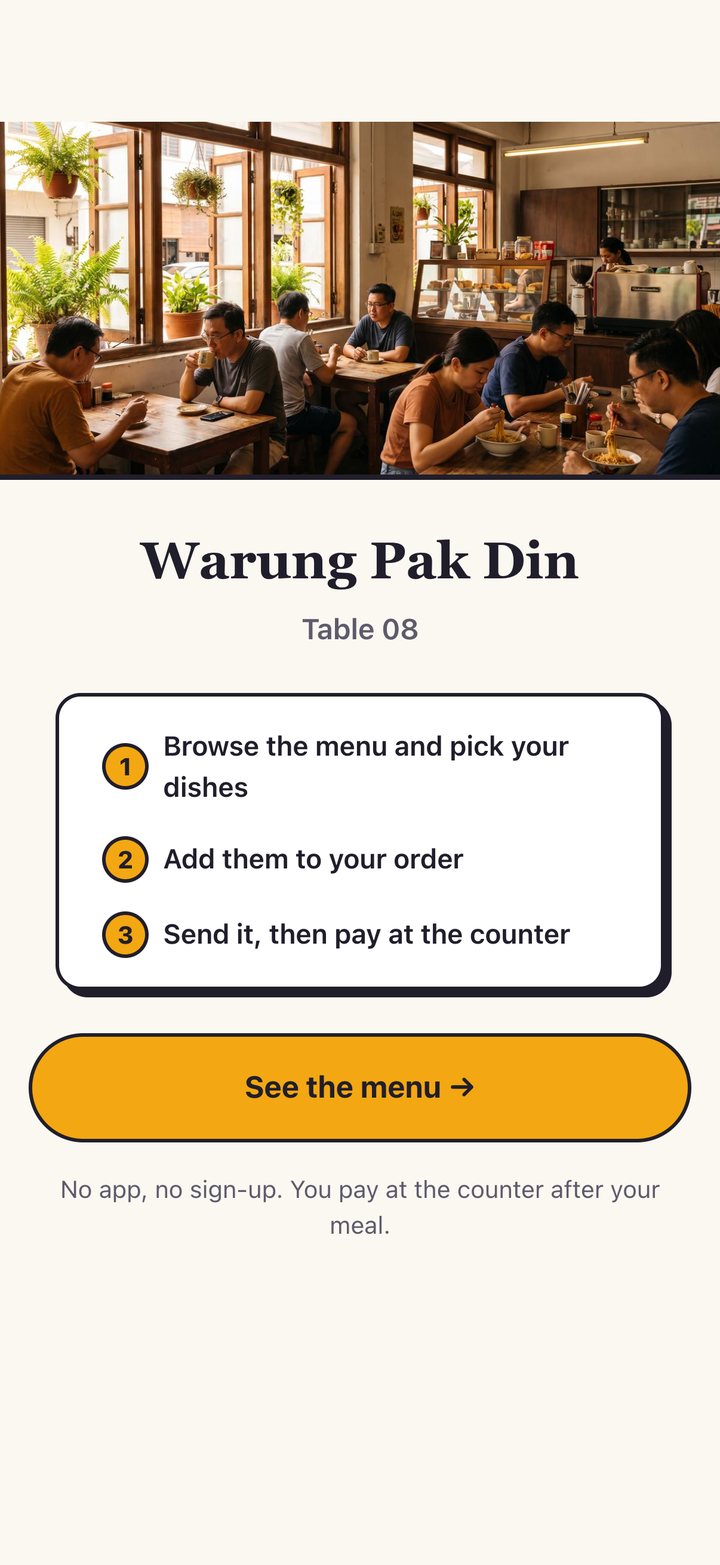
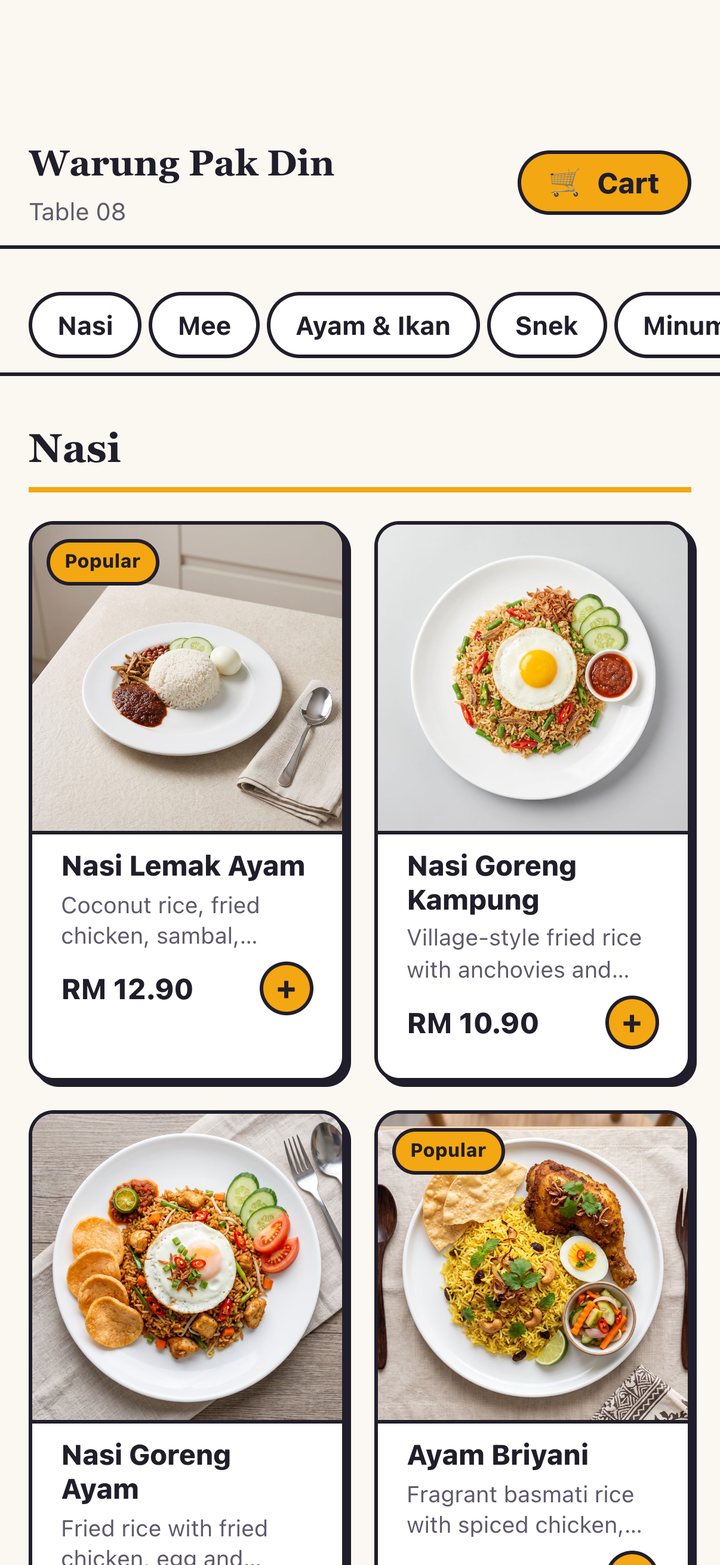
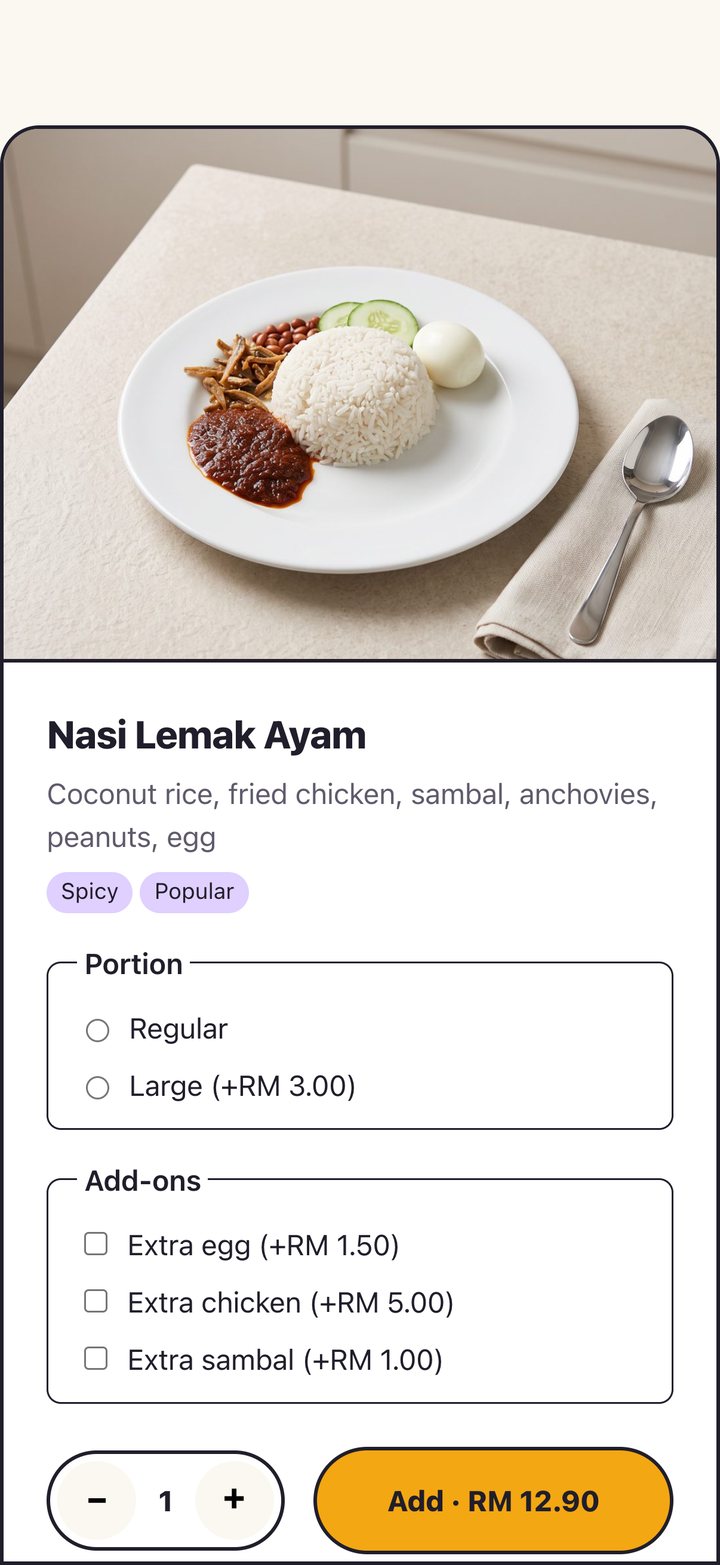
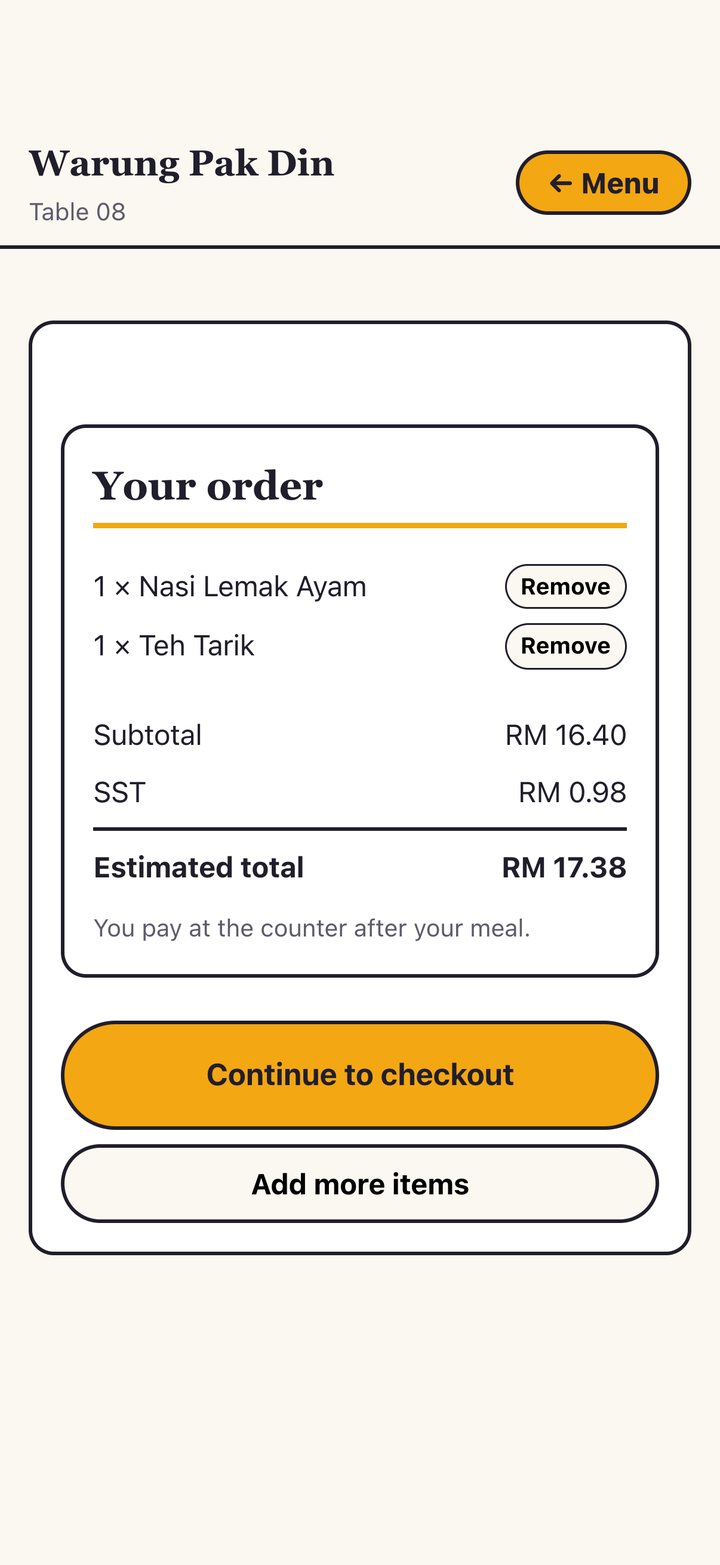
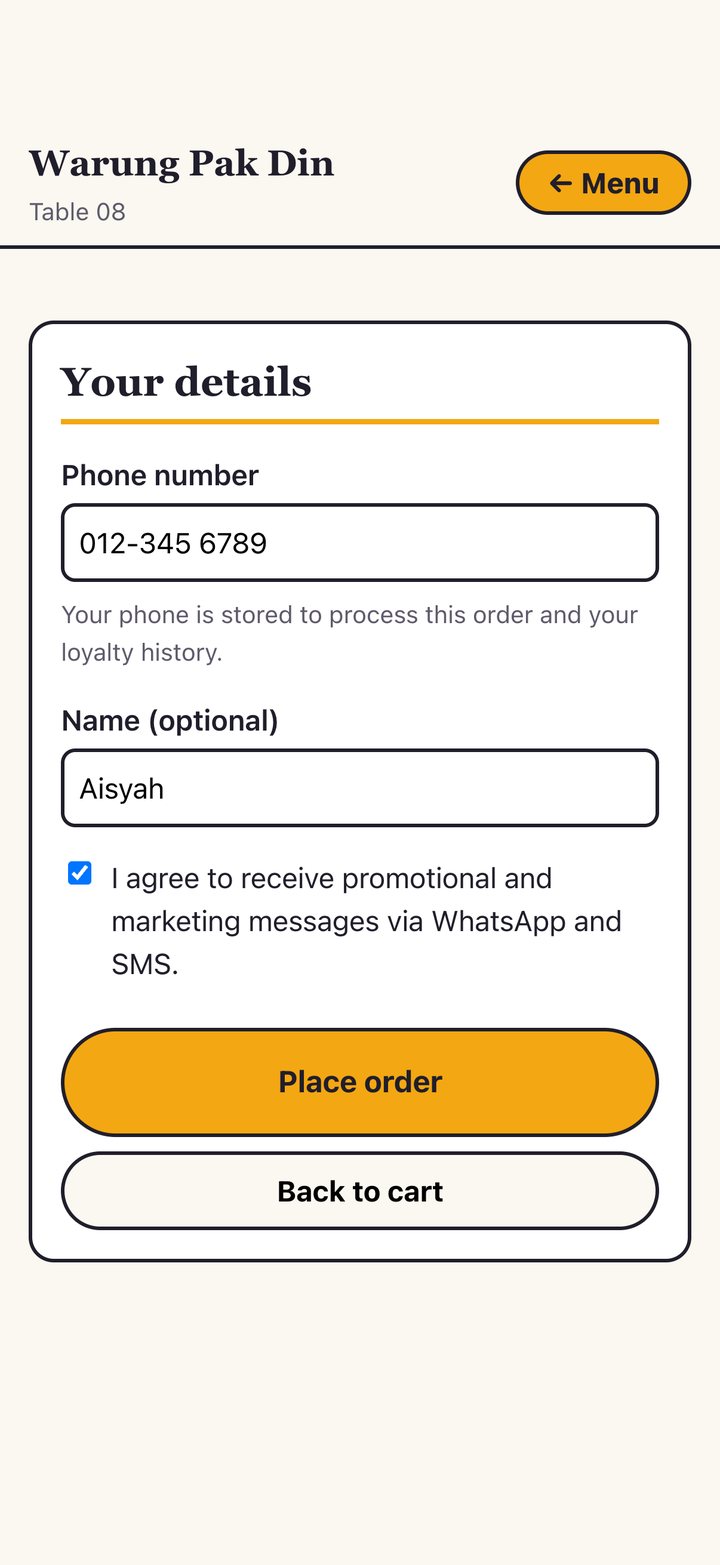
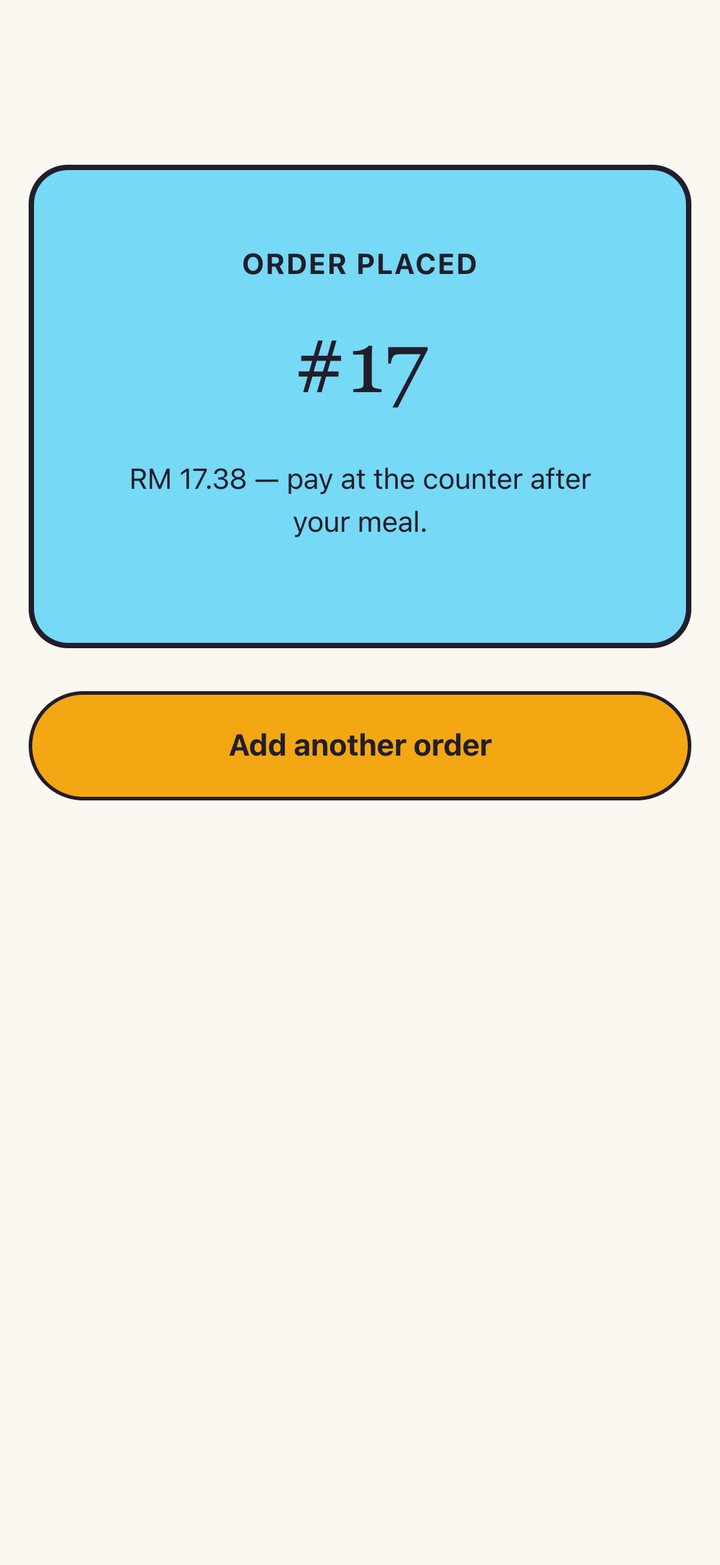
Swipe to see the whole flow →
See the guest menu — try the live demo →Small team. Big momentum.
No enterprise clutter. Just the tools a real restaurant uses every day.
Order from a table QR
Guests scan, browse your menu, and send an order from their own phone. No app to install, no account to make.
Straight to your staff
Orders land on the native app in real time, with 1/3/5-minute reminders so nothing waits unattended.
Pay at the counter
Hidangi shows estimated sales, never processes a payment. Guests settle up at the counter exactly as they do today.
Menus, tables, and AI
Manage your menu, print table codes, and generate menu copy and photos — all from the app in your language.
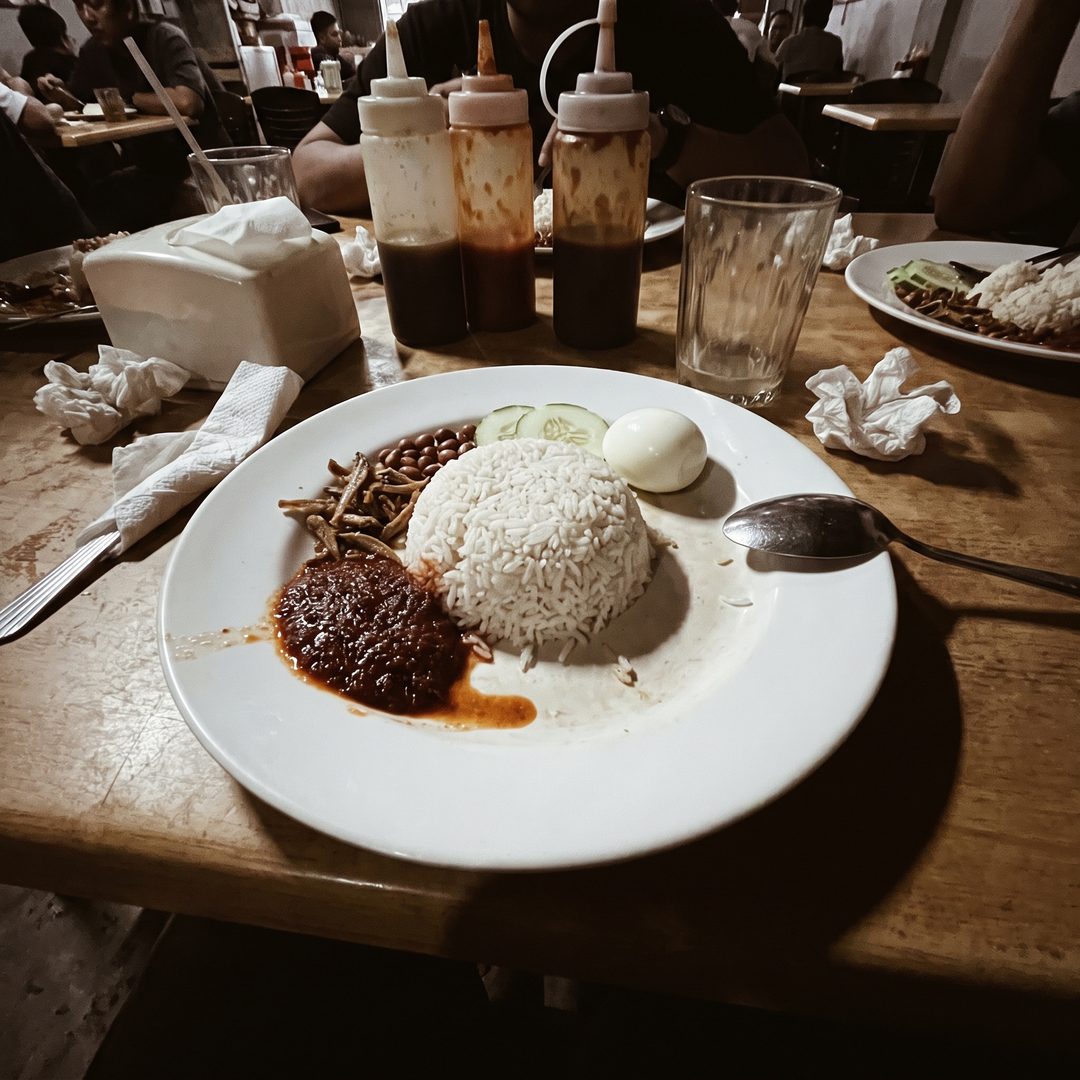
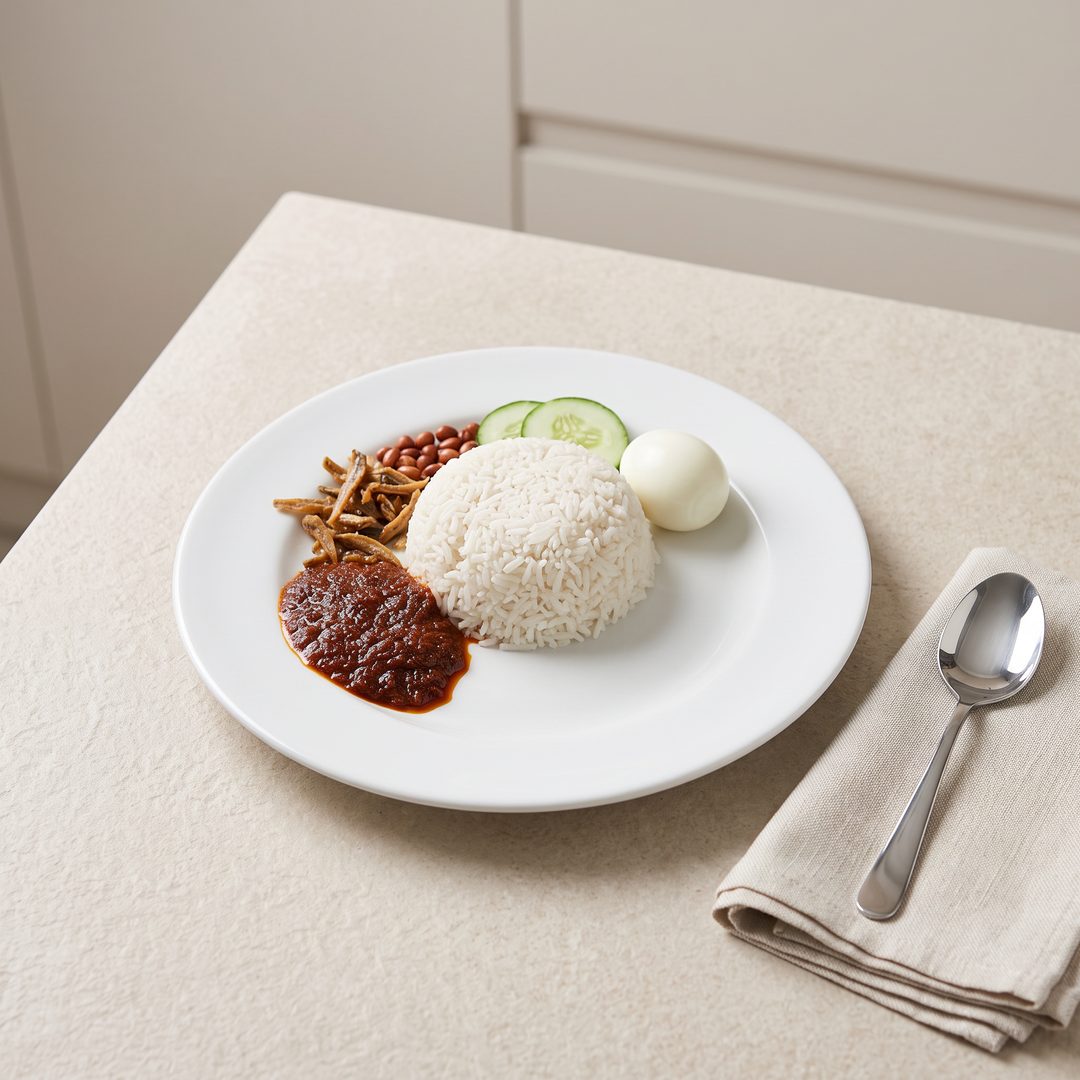
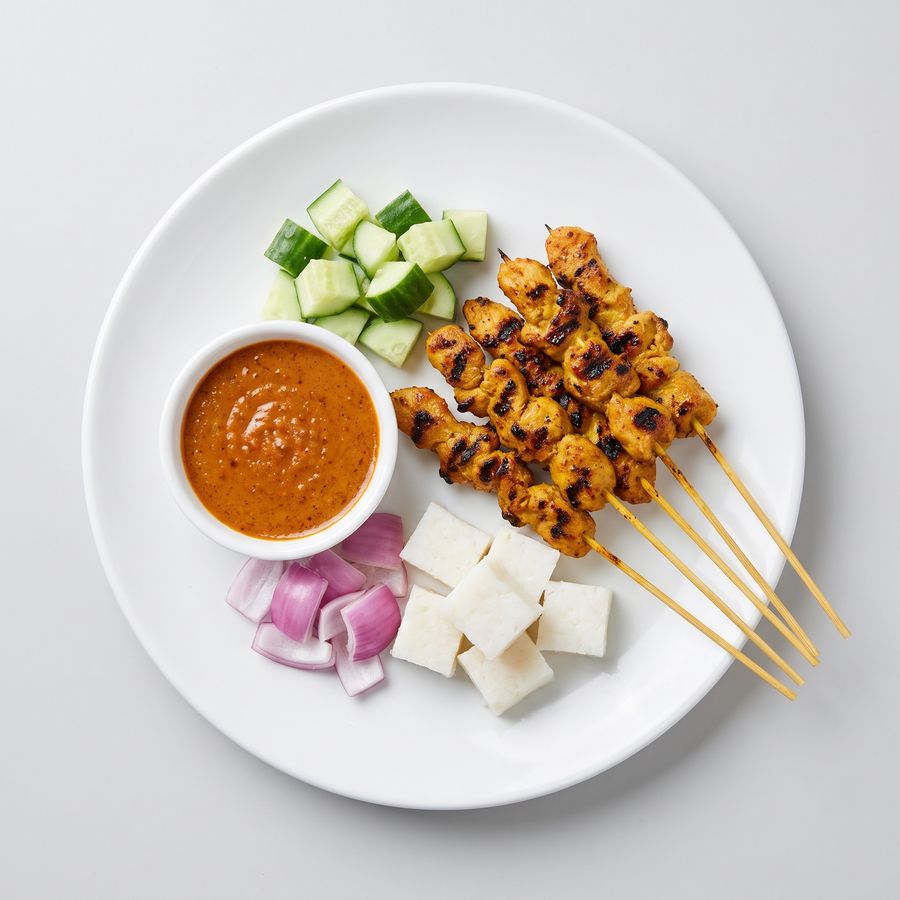
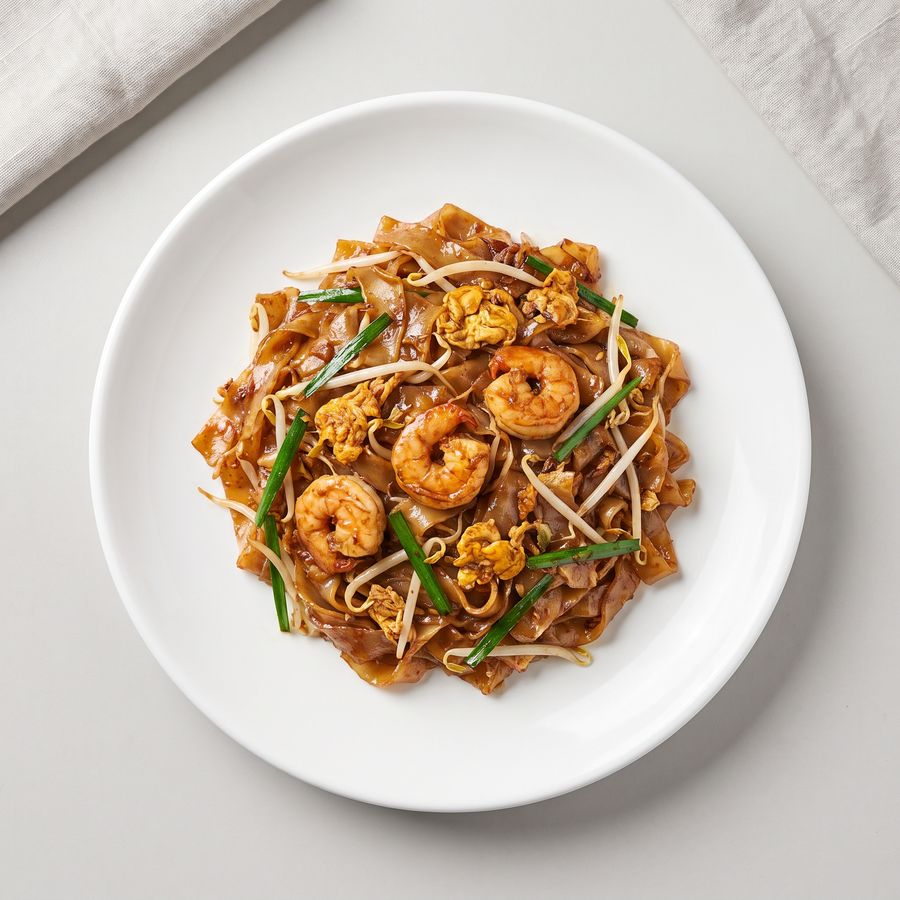
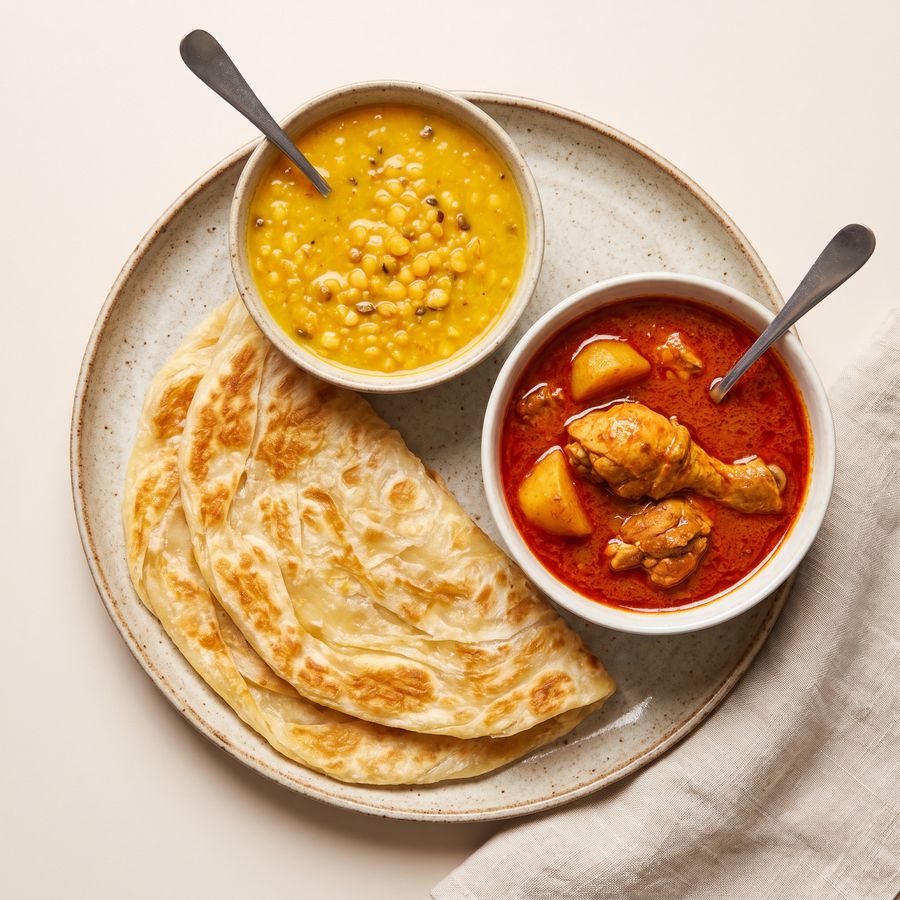
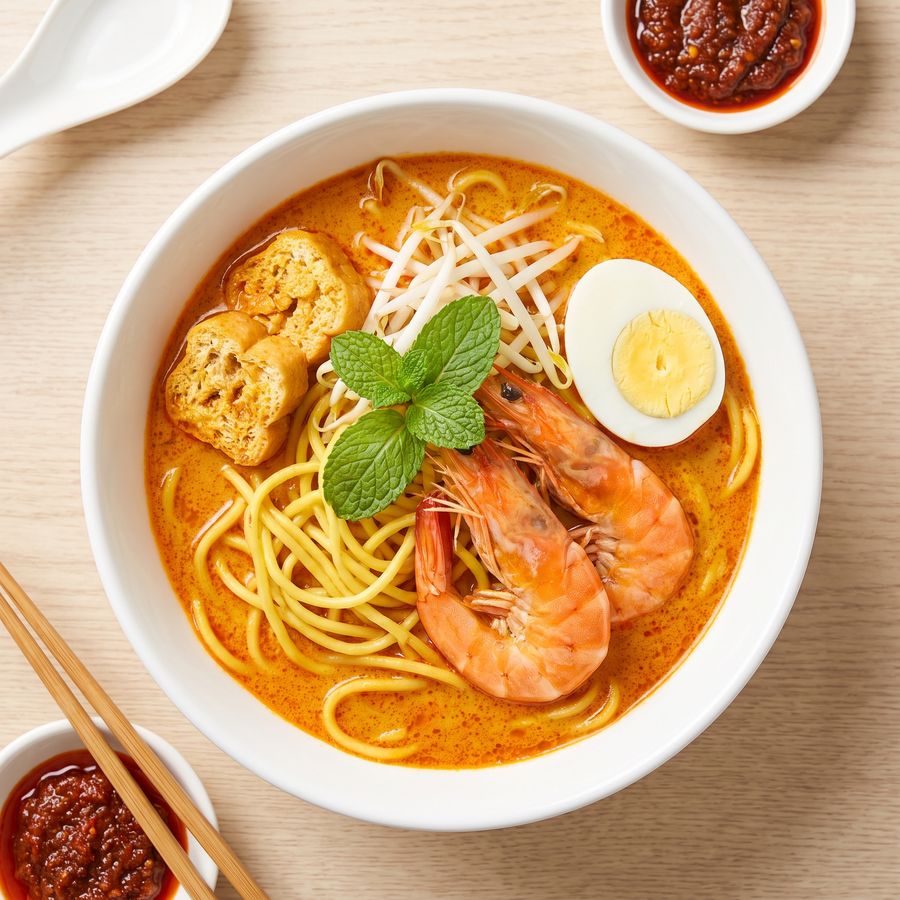
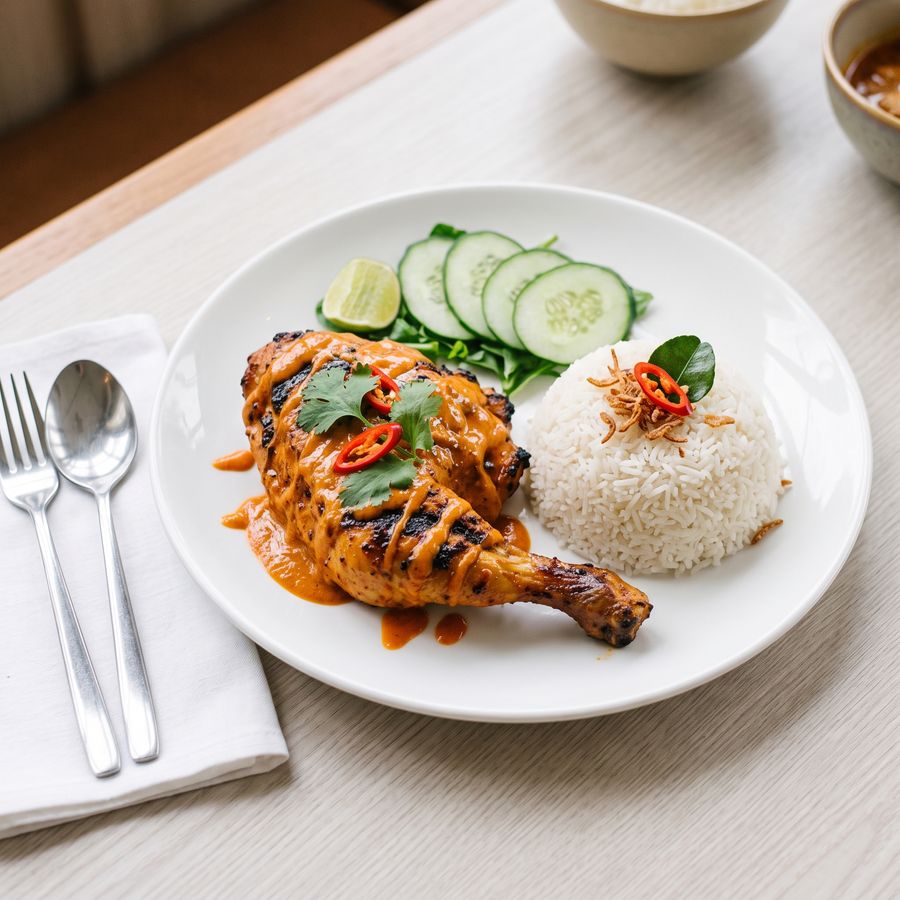
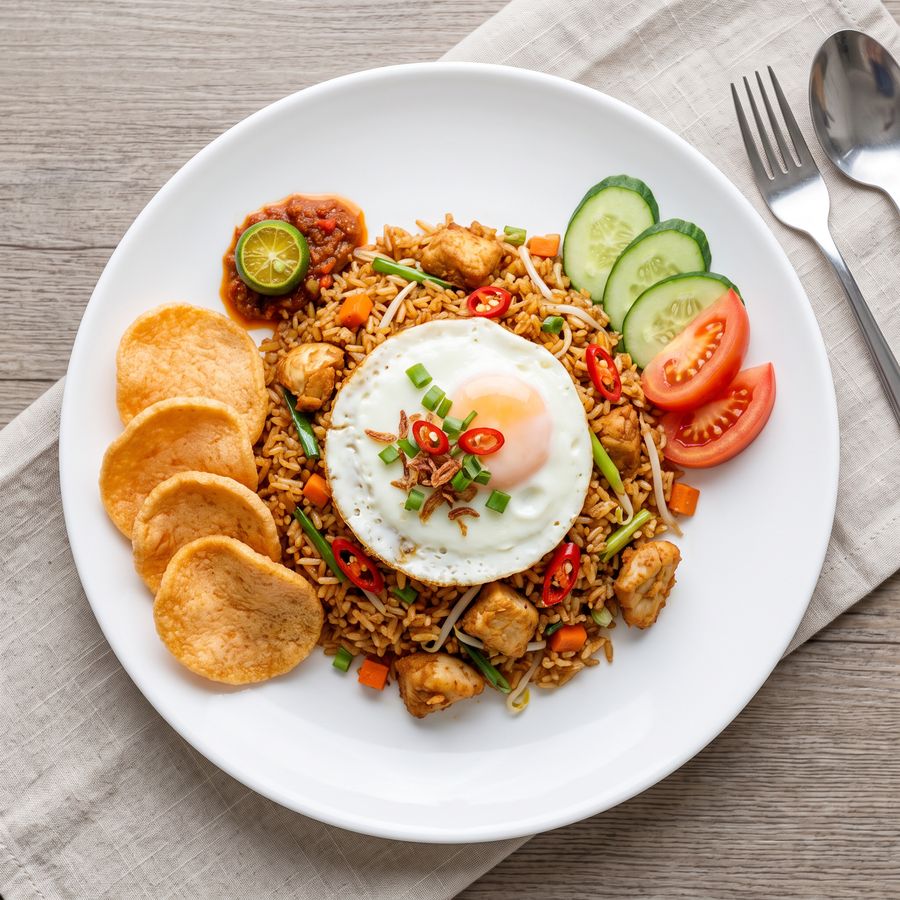
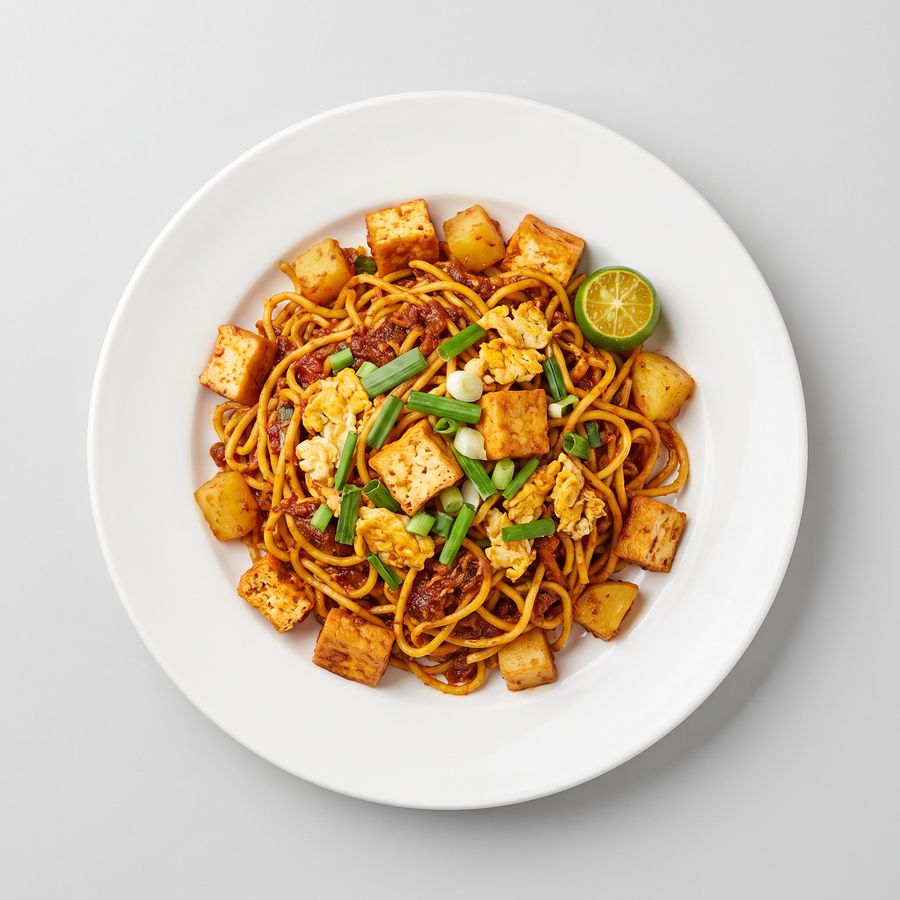
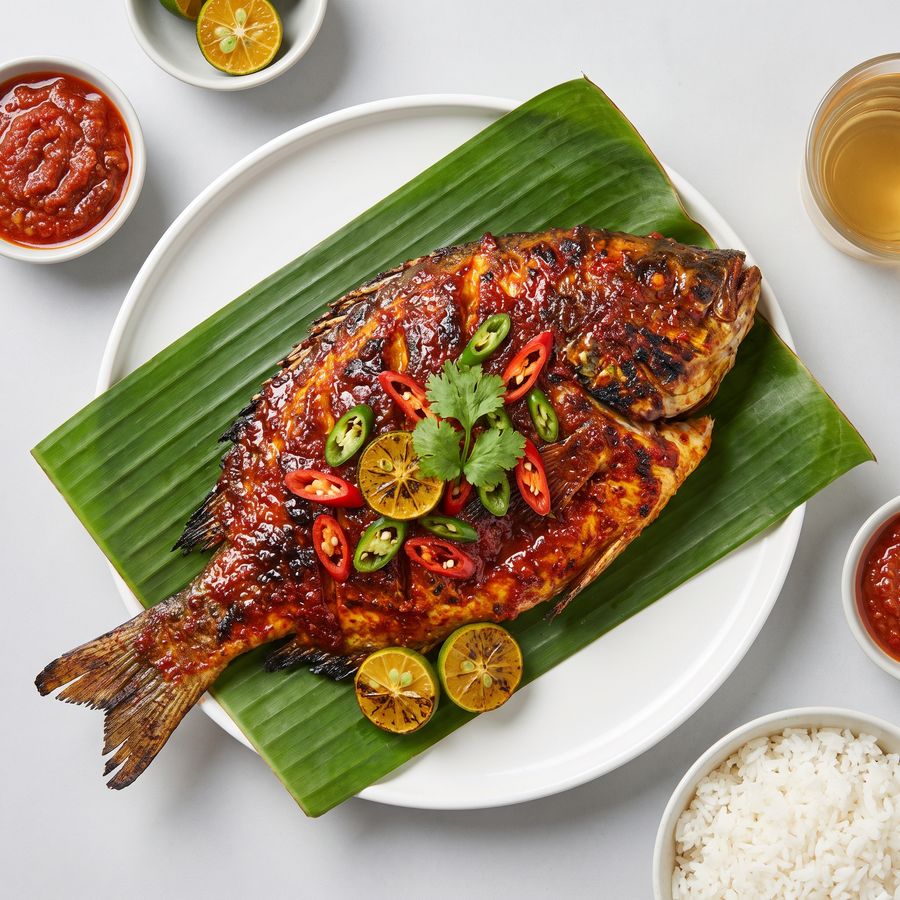
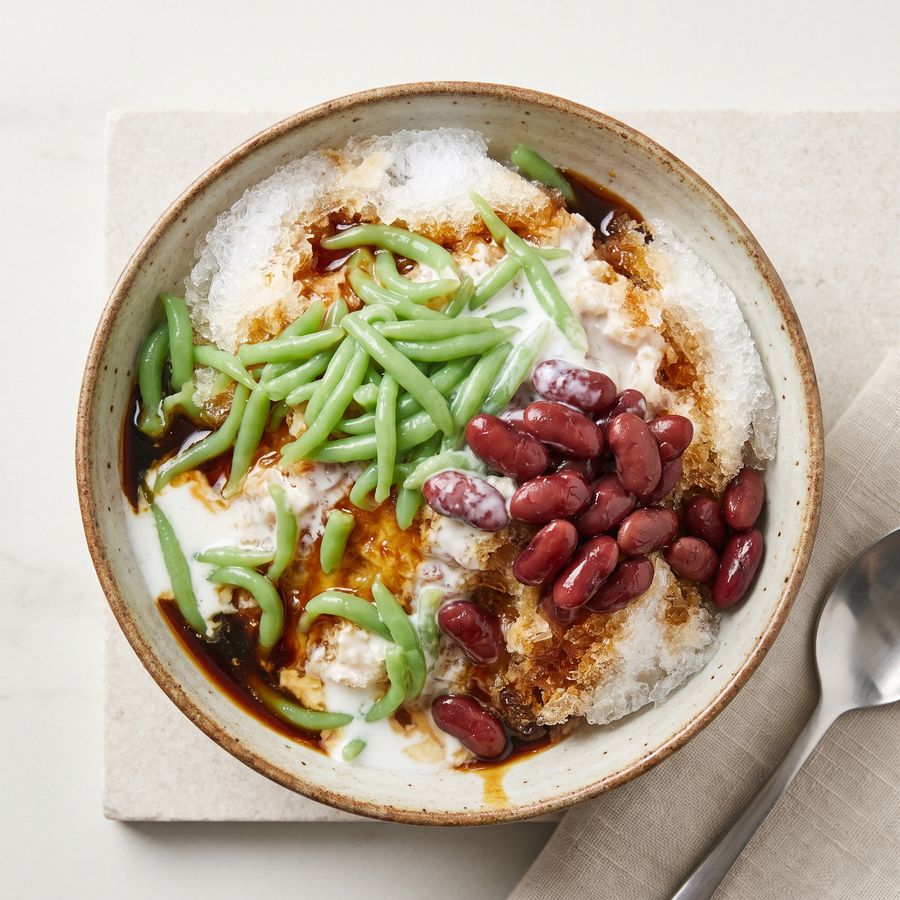
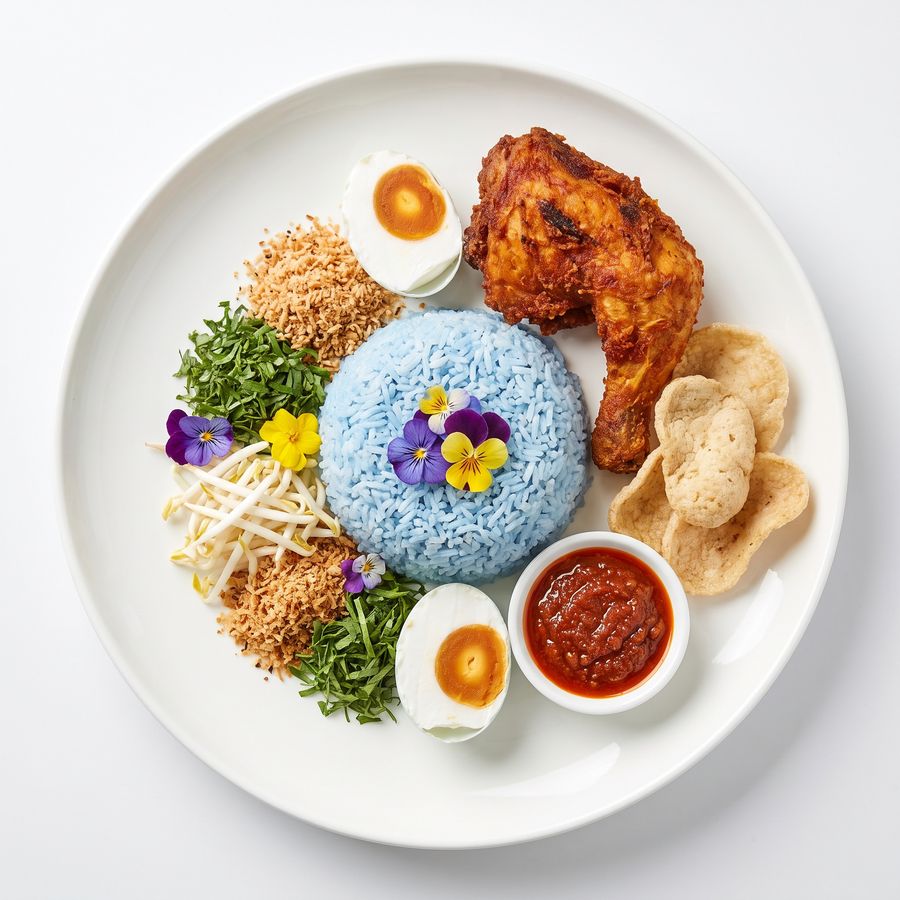
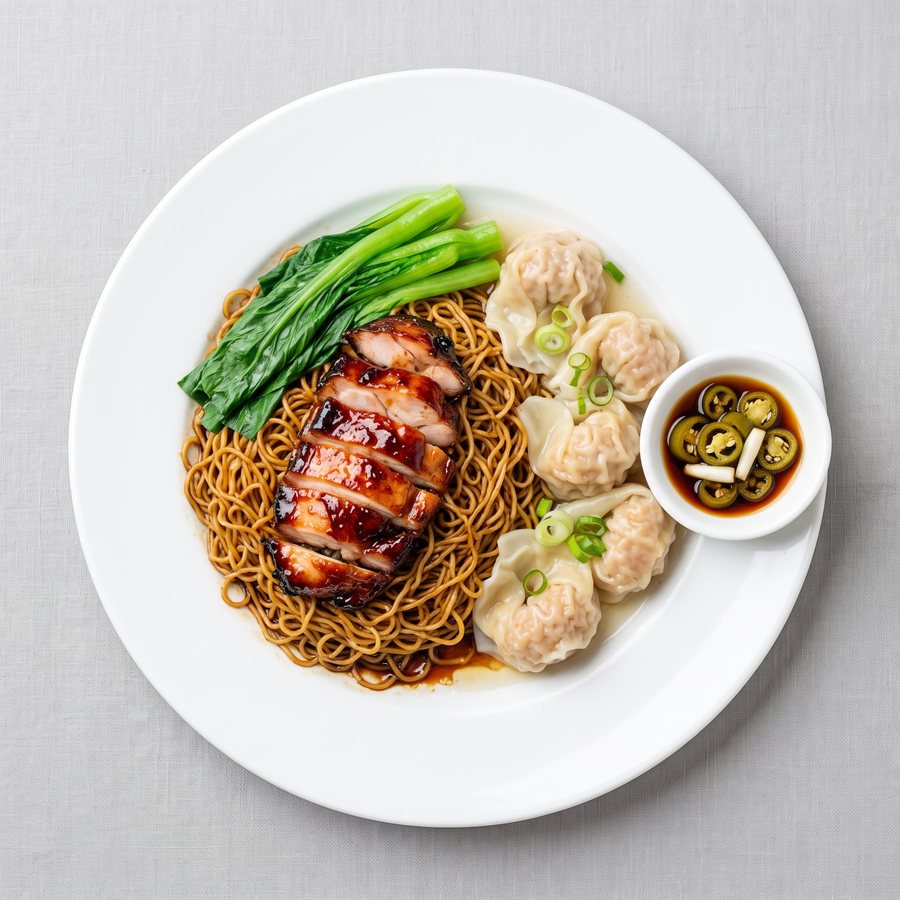
Turn a quick snapshot into a menu photo.
Photograph a dish on your phone and let the app clean it up — bright, sharp, and styled like a studio shot. You always approve the result before it goes on the menu.
Example generated with Hidangi’s AI photo studio.

Open today. Serve smarter tonight.
Add your menu
Items, photos, variations and add-ons.
Print table QR
Unlimited tables on every plan, including Free.
Go On Duty
Receive, prepare and serve every order.
Built to be safe and simple
No online food payment
Guests pay at the counter. Hidangi never touches the bill, so there is no gateway to set up. The iOS and Android apps are free to download.
Private by default
Phone numbers are encrypted and marketing consent is never assumed. Delete your account and data any time.
Built in Malaysia
Billed in MYR for Malaysia, priced for small restaurants, and made for how you already work.
Give your restaurant a menu that feels like you.
Set up in minutes. Guests scan, order, and pay at the counter — you just cook and serve.
Start Hidangi free